

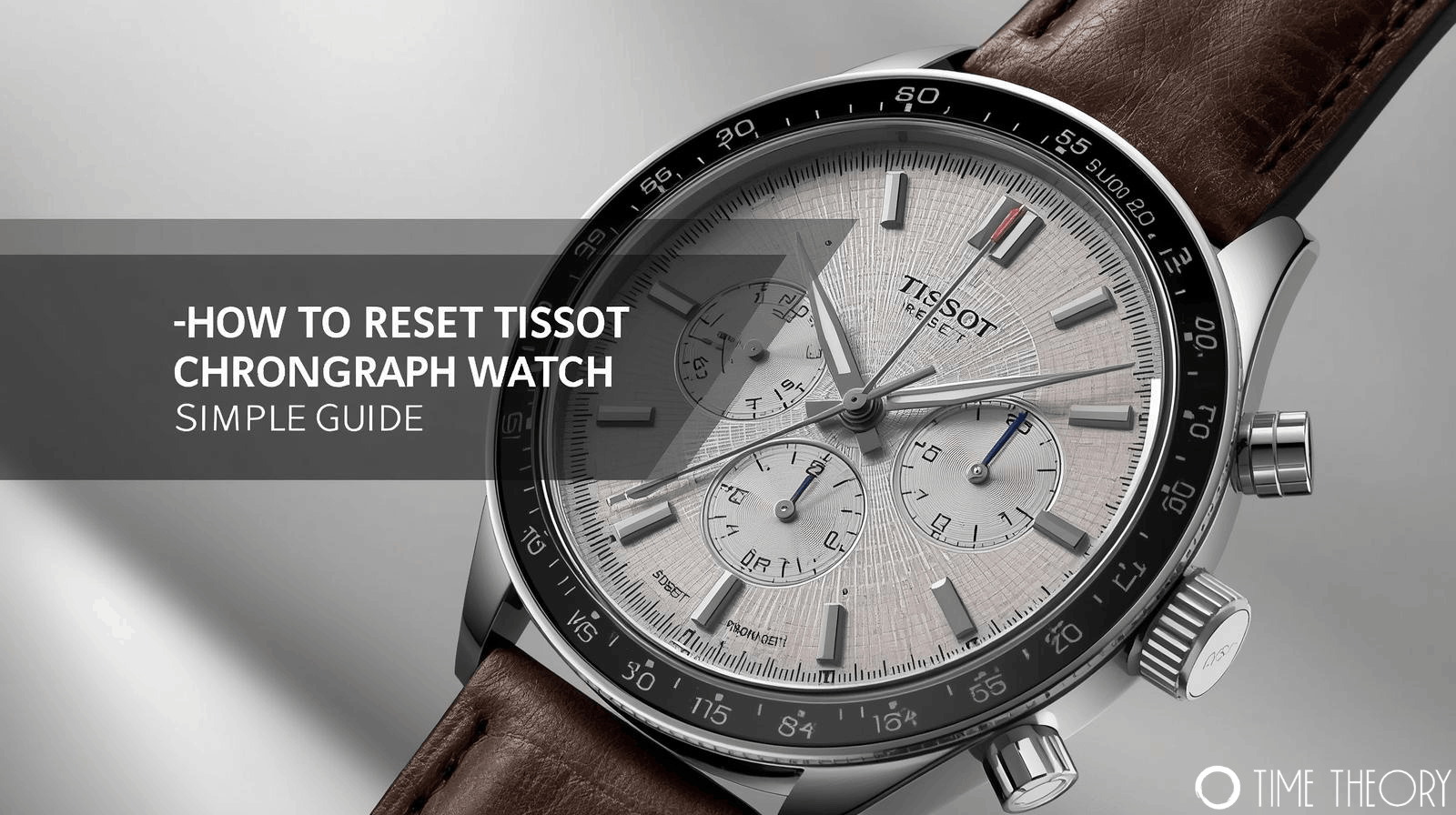
 Chronograph watches are fantastic tools, offering both style and precision. But if you’ve just bought a new Tissot, or inherited one, the extra dials and pushers might seem a little confusing. This guide breaks down exactly how to use & reset Tissot chronograph watch functions so you can get the most out of your timepiece.
Understanding Your Tissot Chronograph
Before diving into the operation, it helps to know what you are looking at. A standard Tissot chronograph typically features two pushers on the side of the case, flanking the crown (the middle button used to set the time).
- Top Pusher (Pusher A): Usually starts and stops the timing function.
- Bottom Pusher (Pusher B): Usually resets the chronograph hands to zero or handles split-time functions.
The face of the watch includes sub-dials. These track the seconds, minutes, and sometimes hours or tenths of a second that have elapsed while the chronograph is running.
How to Use Chronograph Watch Tissot Functions
Using the stopwatch feature is straightforward once you know the sequence. Here is the standard procedure for most quartz and automatic Tissot models.
Standard Timing (Start-Stop-Reset)
This is the most common way to time an event, like a race or a cooking timer.
- Start: Press the top pusher (A) once. The central chronograph second hand will begin moving.
- Stop: Press the top pusher (A) again when the event is finished. The hands will pause, allowing you to read the elapsed time on the main dial and sub-dials.
- Reset: Press the bottom pusher (B). All chronograph hands will snap back to the zero or 12 o’clock position.
Split-Time Function (ADD/SPLIT)
Many Tissot quartz chronographs allow you to measure split times (intermediate times) without stopping the total elapsed time.
- Start: Press pusher A to begin timing.
- Split: Press pusher B to read an intermediate time. The hands will pause for you to read them, but the internal mechanism keeps timing in the background.
- Catch-up: Press pusher B again. The hands will fast-forward to catch up with the ongoing elapsed time.
- Stop: Press pusher A to stop the final time.
- Reset: Press pusher B to reset everything to zero.
How to Reset Tissot Chronograph Watch Hands
Sometimes, you might notice the chronograph hands don’t return exactly to the 12 o’clock position after a reset. This misalignment is common in quartz watches after a battery change or exposure to a strong magnetic field. Fortunately, you can fix this manually.
Here is how to reset Tissot chronograph watch hands to their correct zero position:
- Pull the Crown: Pull the crown out to position II (date setting) or position III (time setting), depending on which hand needs adjusting. Usually, position III adjusts the main seconds hand.
- Adjust the Hand: Press the top pusher (A) repeatedly to advance the hand step-by-step until it aligns perfectly with 12 o’clock.
- Switch Hands: If another sub-dial is misaligned, press the bottom pusher (B) to select the next hand, then use the top pusher (A) to adjust it. (Note: This sequence varies slightly by movement model; consult your specific manual if this combination doesn’t engage the other dials).
- Finish: Push the crown back in completely to save the new settings.
If you hold down the pusher rather than clicking it, the hand will often rotate quickly, allowing for faster adjustments.
Frequently Asked Questions
Why is the big second hand on my Tissot not moving?
The big second hand is for the stopwatch function; the small sub-dial usually tracks continuous seconds.
Can I leave my Tissot chronograph running all the time?
Yes, but it will drain the battery faster on quartz models and reduce power reserve on automatics.
How do I know if my Tissot is quartz or automatic?
If the second hand ticks once per second, it’s likely quartz; if it sweeps smoothly, it’s likely automatic.
What does the tachymeter scale on the bezel do?
It allows you to calculate speed based on travel time or measure distance based on speed.
Is it safe to push the buttons underwater?
No, never operate chronograph pushers while the watch is submerged unless specified as a diver’s model.