

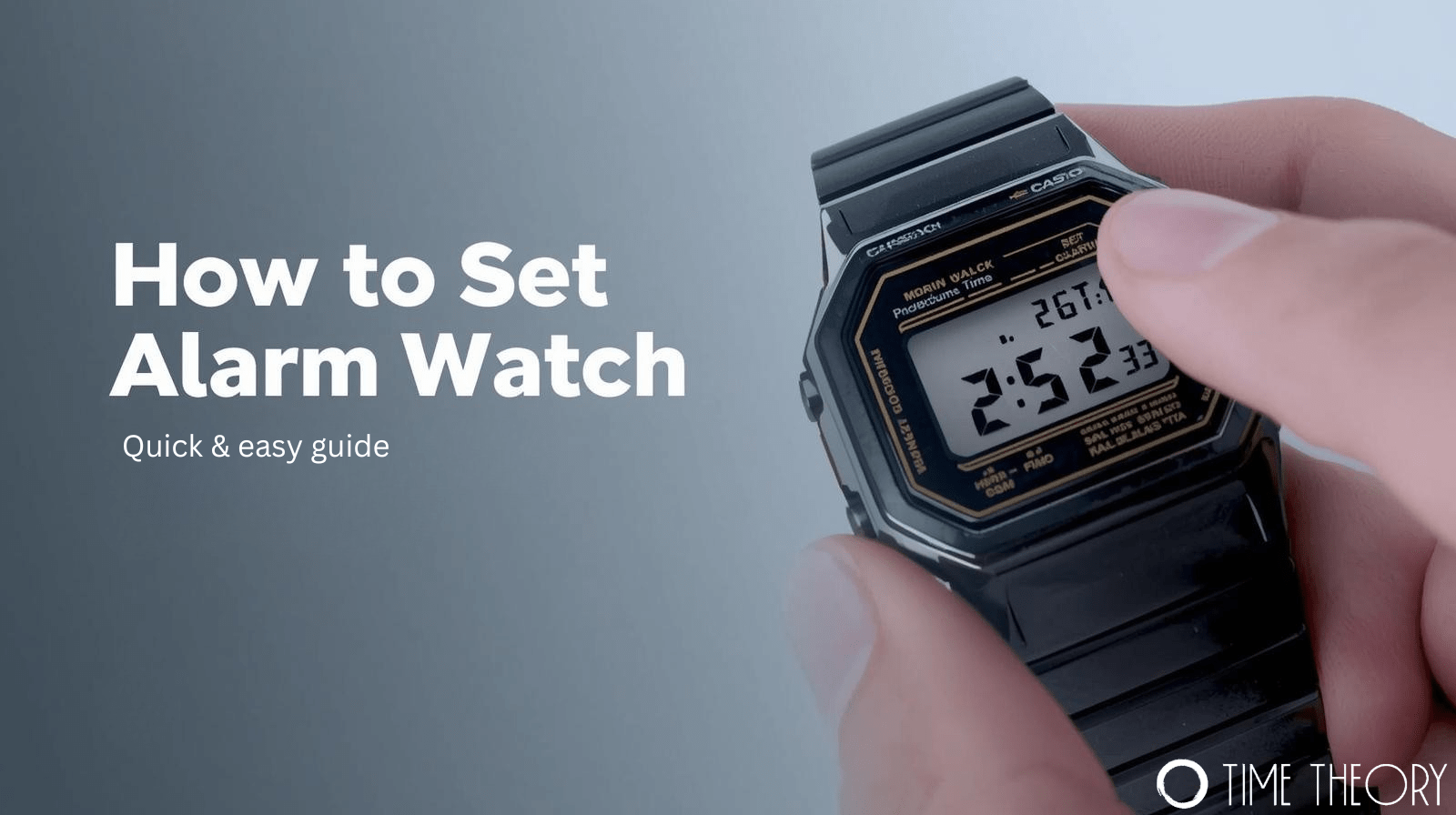
 Casio watches are famous for their durability and retro style, but navigating their interface isn’t always intuitive. With just three or four buttons, finding the right mode can feel like cracking a code. If you are struggling to figure out how to set alarm in casio watch models effectively, you aren’t alone.
This guide simplifies the process for standard digital models, like the iconic F-91W and similar classic series. We will walk you through setting the time, managing the hourly chime, and ensuring you never oversleep again.
How to Set Alarm in Casio Watch (Classic Models)
Most standard Casio digital watches use a very similar module. The buttons are typically arranged with “Light” on the top left, “Mode” on the bottom left, and “Alarm On/Off” (or “24H”) on the right. Here is the standard procedure for how to set alarm on Casio watch models.
- Enter Alarm Mode: Press the bottom-left button (Mode) to cycle through the functions. You usually press it once or twice until the display shows “AL” (Alarm).
- Select the Hour: Press the bottom-right button to start changing the hour. On some models, you may need to press the top-left button first to make the digits flash.
- Set the Hour: Keep pressing the bottom-right button to advance the hour digit. Pay close attention to the AM/PM indicator if your watch is in 12-hour mode.
- Switch to Minutes: Press the top-left button (or bottom-left on some models) to switch the selection to the minutes.
- Set the Minutes: Use the bottom-right button again to advance the minutes to your desired time.
- Exit: Once the time is correct, press the bottom-left “Mode” button to return to the main timekeeping screen.
Troubleshooting how to set alarm in Casio watch
Sometimes the alarm is set, but it doesn’t sound. This usually happens because the alarm function itself hasn’t been toggled on.
While in the “AL” mode, press the button on the right (often labeled “Alarm On/Off” or “Start/Stop”). You will see a small icon appear on the screen. It typically looks like tiny sound waves or a bell. If this icon is visible, the alarm is active. If it is missing, the alarm will not sound, even if the time is set correctly.
How to Set Hourly Alarm on Casio Watch
Beyond the daily wake-up call, many users find the hourly signal useful for keeping track of time during work or exercise. Knowing how to set hourly alarm on casio watch settings allows your device to beep once at the top of every hour.
To activate this, go back to the Alarm (AL) mode. Press the right-side button to cycle through the alarm types. You will usually see three states:
- Alarm Only: The alarm icon (sound waves) is visible.
- Chime Only: The chime icon (usually a bell) is visible.
- Both: Both icons are visible.
- Neither: No icons are displayed.
If you specifically want to know how to set hourly chime on casio watch without the daily alarm, cycle through until only the bell icon (or SIG) is displayed.
Frequently Asked Questions
How do I stop my Casio watch from beeping every hour?
Navigate to Alarm mode and press the right button until the bell icon disappears.
Why is my Casio alarm not making any sound?
Check that the daily alarm icon is visible on the screen and not just the time.
How do I switch between AM and PM when setting the alarm?
Cycle through the 12-hour digits until the “A” or “P” indicator changes on the display.
Can I set multiple alarms on a standard Casio F-91W?
No, the standard F-91W model only supports one single daily alarm time.
How do I turn off the alarm while it is ringing?
Press the bottom-right button once to silence the alarm immediately.
Master Your Timepiece
Getting the most out of your digital watch doesn’t require a manual the size of a novel. Once you master these few button combinations, you can rely on your wrist for punctuality rather than your phone. Whether you need a daily wake-up call or a subtle hourly reminder, your Casio is ready to work for you.