

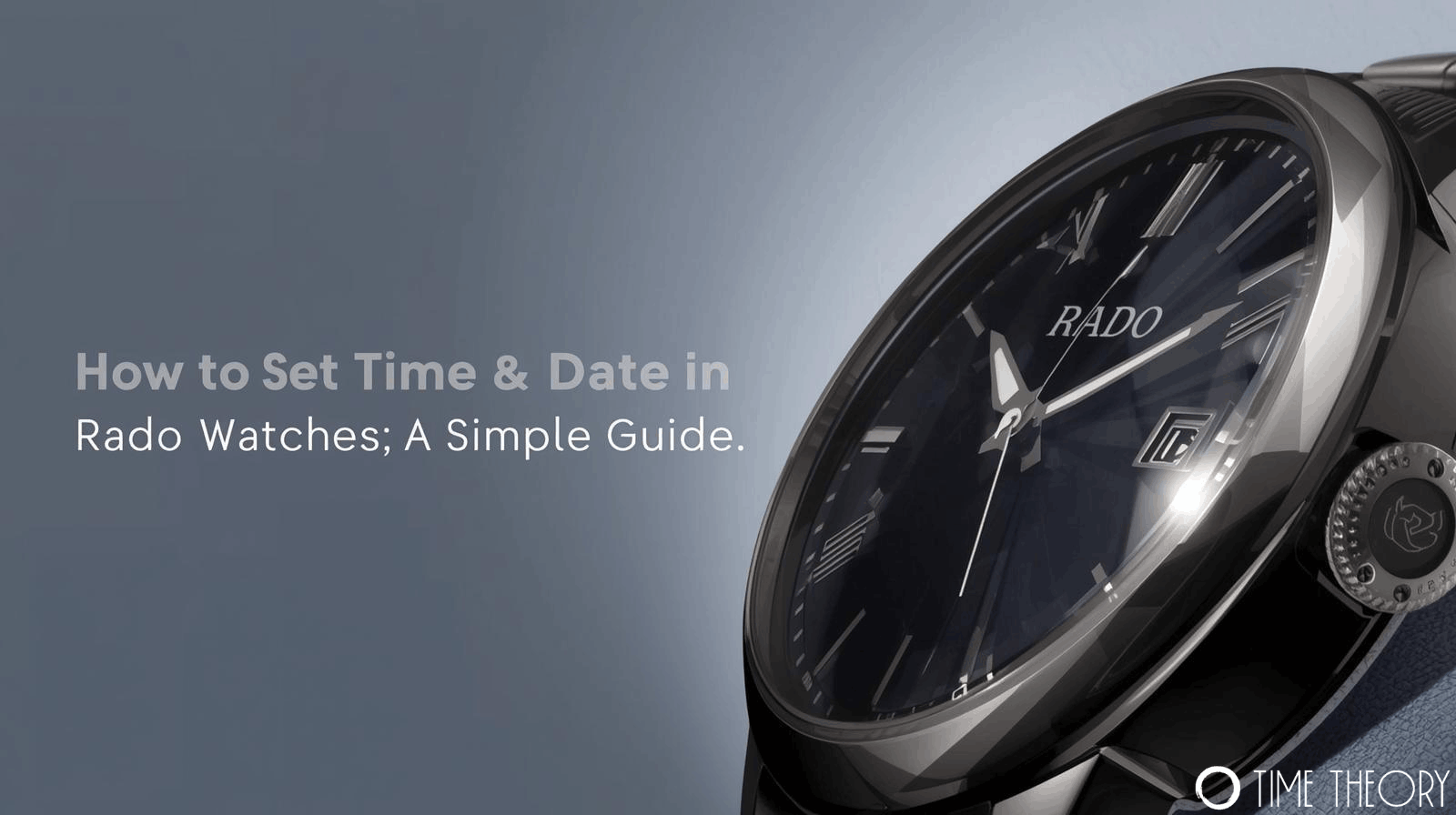
 Knowing how to set time & date in Rado watches correctly is essential for maintaining the precision and longevity of your timepiece. Whether you have a classic quartz model or a sophisticated automatic movement, adjusting your watch requires a gentle touch and the right technique.
Rado watches are renowned for their durability and sleek design, but their crowns and internal mechanisms can differ slightly from other luxury brands. This guide walks you through the straightforward process of adjusting your Rado watch safely, ensuring you get the accurate time without damaging the movement.
Understanding the Rado Crown Positions
Before you start twisting knobs, it is helpful to understand the crown. The crown is the small button on the side of the case used to adjust settings. Most Rado watches use a three-position crown system:
- Position 1 (Wearing Position): The crown is pushed all the way in against the case. This ensures water resistance.
- Position 2 (Date Setting): You pull the crown out gently to the first click. This allows you to change the date without stopping the second hand.
- Position 3 (Time Setting): You pull the crown out to the second (and final) click. This stops the second hand and allows you to adjust the hour and minute hands.
Step-by-Step: How to Set Time in Rado Watch
Setting the time is the most common adjustment you will make. Here is the safest way to do it.
- Pull the Crown to Position 3: Gently pull the crown out until you hear or feel the second click. You should notice the second hand stop moving.
- Rotate the Hands: Turn the crown clockwise or counter-clockwise to move the hour and minute hands.
- Check for AM/PM: If your watch has a date window, move the hands past 12 o’clock to see if the date changes. If it changes, you are in the AM cycle. If not, you are in the PM cycle.
- Set the Correct Time: Continue rotating until the hands show the current time.
- Secure the Crown: Push the crown back firmly into Position 1. This restarts the movement and reseals the watch against dust and moisture.
How to Change Date in Rado Watch
Adjusting the date requires a specific method to avoid damaging the internal gears. Follow these steps to learn how to change date in Rado watch models effectively.
- Pull the Crown to Position 2: Pull the crown out carefully to the first click. The watch should continue ticking.
- Rotate the Crown: Turn the crown (usually clockwise, though some models differ) until yesterday’s date appears in the window.
- Switch to Time Setting Mode: Pull the crown out one more step to Position 3.
- Advance the Time: Move the hands forward until the date jumps to today’s date (this confirms midnight). Then, set the hands to the current time.
- Push the Crown In: Return the crown to Position 1 to lock in the setting.
How to Set Date in Rado Automatic Watch Safely
If you own an automatic model, you must be extra careful about when you change the date.
Never attempt learning how to set date in Rado automatic watch models between 8:00 PM and 2:00 AM. During these hours, the date-changing mechanism is engaged automatically. Forcing a manual change during this “danger zone” can break the delicate gears inside the movement. Always move the hour hands to 6:30 (AM or PM) before adjusting the date to be safe.
Troubleshooting Common Issues
Sometimes, the process isn’t as smooth as expected. Here are quick fixes for common problems:
- The date changes at noon instead of midnight: Your watch is set 12 hours behind. Pull the crown to Position 3 and advance the time forward by 12 hours.
- The crown won’t pull out: Some Rado watches feature a screw-down crown for water resistance. Unscrew it counter-clockwise first until it pops out, then pull to the desired position.
- The second hand is jumping (Quartz): If the second hand jumps in 4-second intervals, this is the End-of-Life (EOL) indicator signaling that the battery is low.
Keep Your Rado Running Perfectly
Mastering how to set time & date in Rado watches ensures your timepiece remains a reliable companion. By following these simple steps and respecting the “danger zone” for date changes, you protect the intricate mechanics that make Rado watches so special. Always remember to push the crown back in fully to maintain water resistance after any adjustment.
Frequently Asked Questions
Which direction should I turn the crown to set the date?
Turn the crown clockwise for most Rado models, though consult your manual as some calibers differ.
Why shouldn’t I change the date at midnight?
Changing the date near midnight can damage the gears because the automatic date-change mechanism is engaged.
Does my Rado watch have a screw-down crown?
If the crown doesn’t pull out easily, it is likely a screw-down crown that must be unscrewed first.
How often should I wind my automatic Rado watch?
If worn daily, your wrist movement winds it; otherwise, wind it manually 30-40 turns if stopped.
Can I set the time backward on my Rado watch?
Yes, moving hands backward is generally safe for setting time, but moving forward is preferred for accuracy.